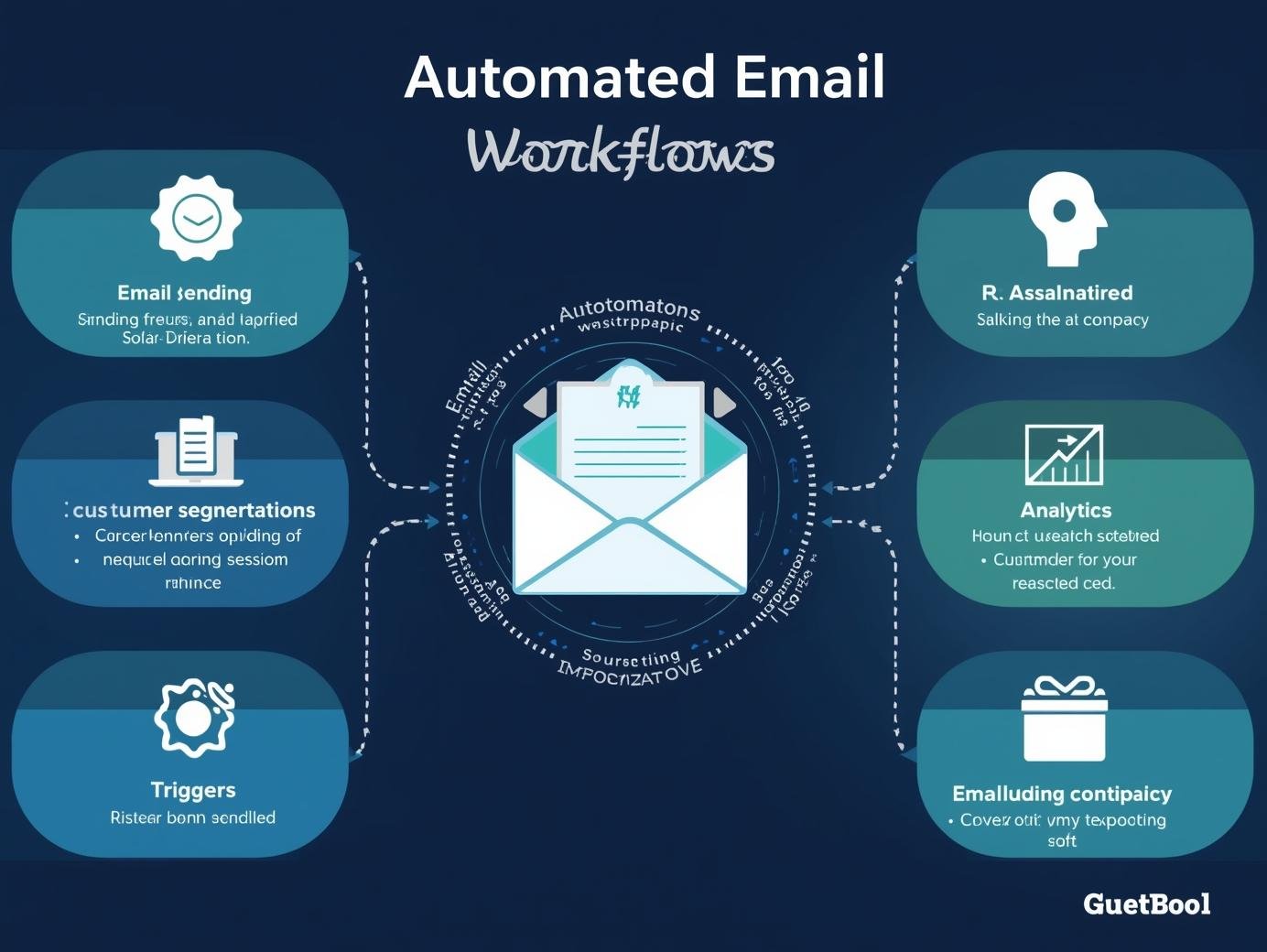
How to create automated email workflows that convert is one of the most important skills you can learn in 2025 if you want to grow your business online. Instead of sending one-off campaigns, workflows let you deliver the right message at the right time. In this full guide, we’ll cover exactly how to create automated email workflows that convert, with step-by-step instructions, real-world examples, and tips for beginners.
Table of Contents
Why Automated Email Workflows Matter
Automation saves time, increases engagement, and drives sales. A well-built workflow can nurture leads, recover abandoned carts, re-engage inactive subscribers, and onboard new customers without you lifting a finger. In 2025, email automation is no longer optional — it’s a competitive advantage.
Step 1: Define the Goal of Your Workflow
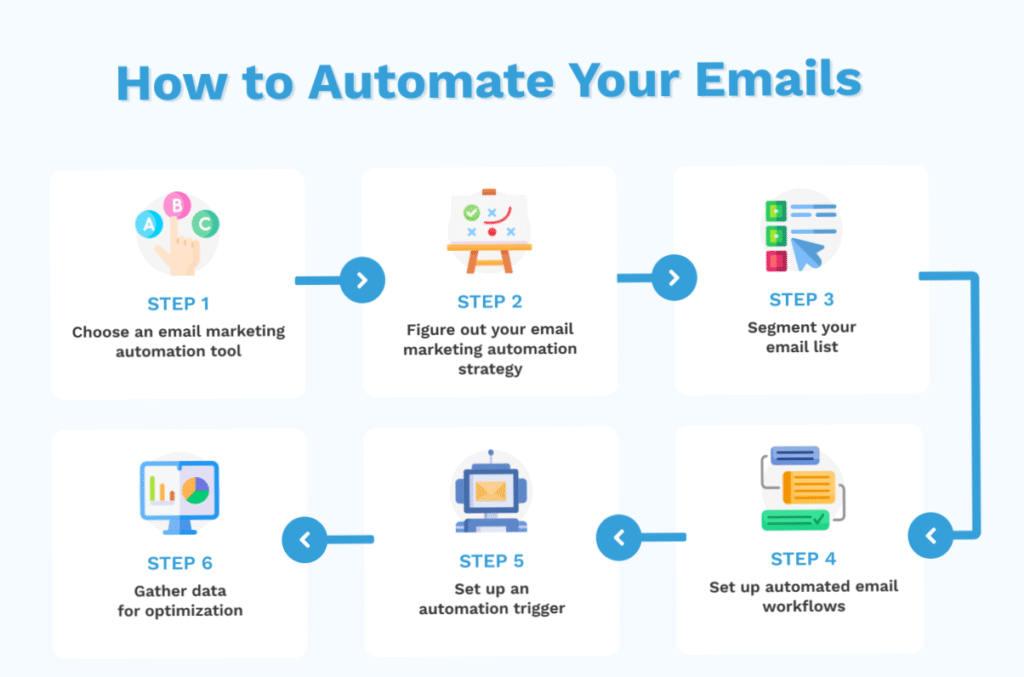
The first step in how to create automated email workflows that convert is to define your goal. Do you want to welcome new subscribers, increase sales, or re-engage inactive readers? Setting a clear goal will guide the type of emails you create and the triggers you use.
Step 2: Map the Customer Journey
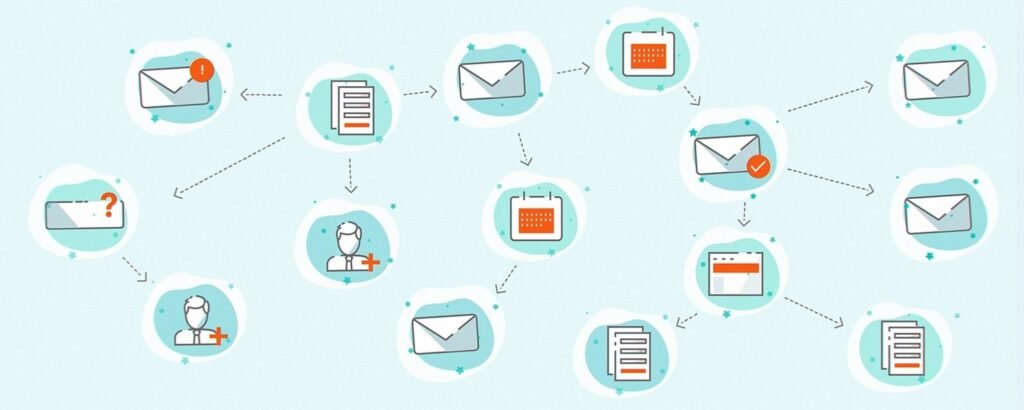
Workflows should align with the email customer journey. For example:
- A subscriber joins your list through an event sign-up form.
- They receive an email welcome sequence introducing your brand.
- They browse your products but leave without buying.
- A triggered brand email reminds them of their cart.
Mapping these touchpoints ensures you’re meeting subscribers at the right stage.
Step 3: Choose the Right Triggers
Triggers activate your workflow. Common examples include:
- Signing up to your list.
- Clicking a specific link.
- Abandoning a shopping cart.
- Reaching a milestone (e.g., 30 days since joining).
Mailchimp and ConvertKit offer flexible trigger options, while tools like real estate email marketing software often include property alerts as triggers.
Step 4: Build the Workflow
Now it’s time to design your sequence. A simple Mailchimp drip campaign could look like this:
- Day 1: Welcome email with your free lead magnet.
- Day 3: A brand story email to build trust.
- Day 5: Helpful tips or resources email.
- Day 7: Promotional email with a discount or call-to-action.
This shows exactly how to create automated email workflows that convert into loyal subscribers and paying customers.
Step 5: Personalize with Segmentation
Segmentation increases relevance. For example:
- New subscribers get a short welcome sequence.
- Customers get product tutorials or upsell emails.
- Inactive users get a re-engagement campaign.
Using personalization and segmentation is key to how to create automated email workflows that convert consistently.
Step 6: Test and Optimize Your Workflows
Even the best workflows need refining. Test subject lines, sending times, and call-to-action buttons. Use a conversion rate optimization tool to analyze performance. Look at metrics like open rates, click-throughs, and revenue to identify what works.
Step 7: Apply Workflows to Different Niches
Automation is not one-size-fits-all. Here are a few examples:
- E-commerce brands use abandoned cart and post-purchase workflows.
- Content creators use welcome sequences and nurture campaigns.
- Paid newsletter platforms use automated onboarding and billing reminders.
- Real estate email marketing software sends property alerts to buyers.
These examples show that no matter your niche, automation plays a role in how to create automated email workflows that convert.
Common Mistakes to Avoid
- Sending too many emails too quickly.
- Over-automating without personalization.
- Ignoring testing and optimization.
- Building workflows without clear goals.
Avoiding these mistakes ensures better performance.
FAQ
Q: How many emails should a workflow include?
A: Start with 3–5 and expand based on subscriber engagement.
Q: Do I need expensive tools to automate emails?
A: No. Platforms like Mailchimp, MailerLite, and ConvertKit offer affordable automation.
Q: Are workflows only for big businesses?
A: Not at all. Small businesses often see the biggest impact because automation saves time and improves conversions.
Conclusion
Now you know how to create automated email workflows that convert in 2025. Start by defining your goal, mapping the customer journey, and setting up triggers. Build sequences that nurture, segment your list for personalization, and always test for improvements. With the right approach, automated workflows will save you time, increase engagement, and boost your bottom line.